Epiphan MCP
Ask your AI assistant to run your devices
Connect once and ask Claude or ChatGPT about the Epiphan devices you manage, then tell it what to do. Check status, start recordings, run streams, and update firmware in plain language, with your approval on every change.
How do I connect Epiphan MCP?
-
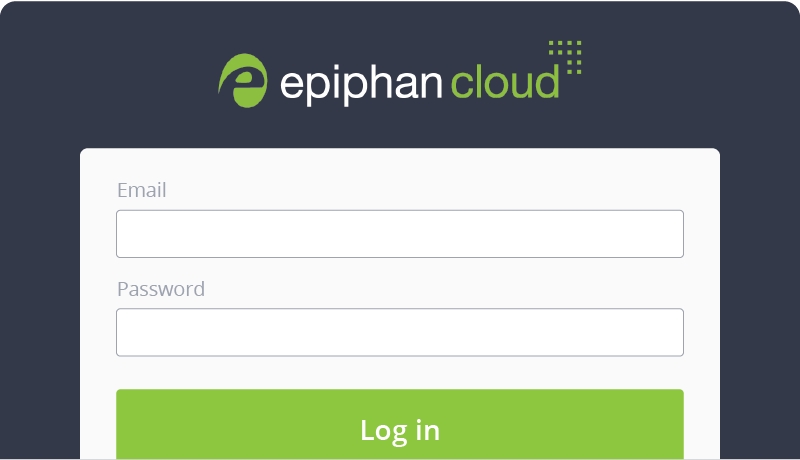
Step 1. Sign in to Epiphan Edge
Epiphan MCP connects to your Epiphan Edge account, so sign in and pair your Epiphan devices there first.
-
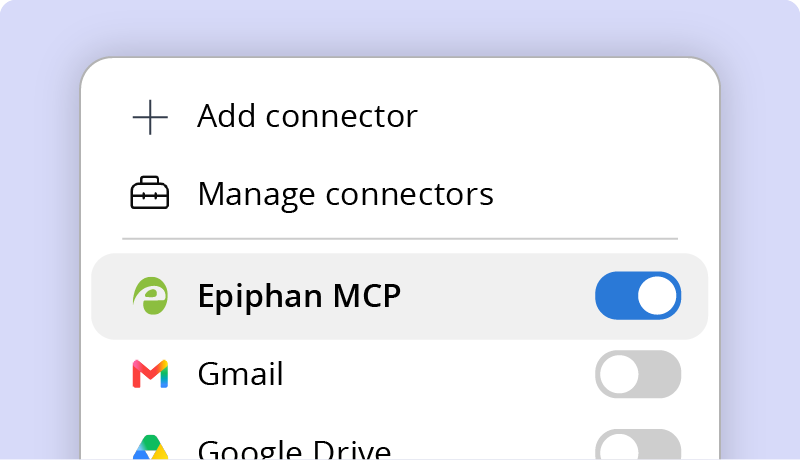
Step 2. Add the connector
In Claude or ChatGPT, add Epiphan MCP connector using the instructions. Setup takes about two minutes.
-
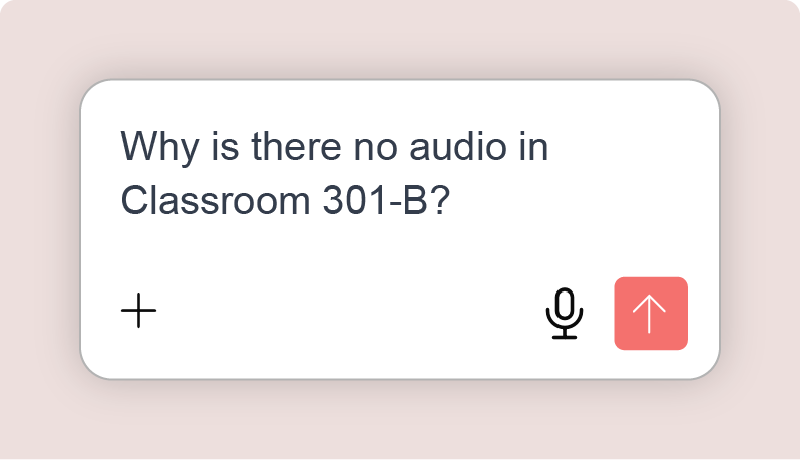
Step 3. Ask or act
Ask about your fleet or tell your assistant what to do, in plain language. Write actions need Epiphan Edge Premium, free to try for one month.
What is Epiphan MCP?
Epiphan MCP is a server built on the Model Context Protocol, the open standard AI assistants use to reach outside tools. It gives Claude and ChatGPT secure access to the Pearl devices paired to your Epiphan Edge account, so they can read what your fleet is doing and act on it. Your AI assistant does the thinking. Epiphan makes sure it only sees and does what your Edge role allows, and Claude and ChatGPT ask you to approve each change before it runs.
What can I ask and do?
For every device on your team, the assistant can read:
- Device info
- System, storage, and recorder status
- Channel settings and sources
- Live channel images and audio levels
- Scheduled CMS events
With Epiphan Edge Premium, which you can try free for one month, it can also:
- Start, stop, pause, and resume recording on one channel or many
- Create stream destinations and start or stop streaming
- Create, extend, pause, and resume scheduled events in Epiphan CMS
- Apply a saved preset to a group of devices
- Reboot devices and update firmware
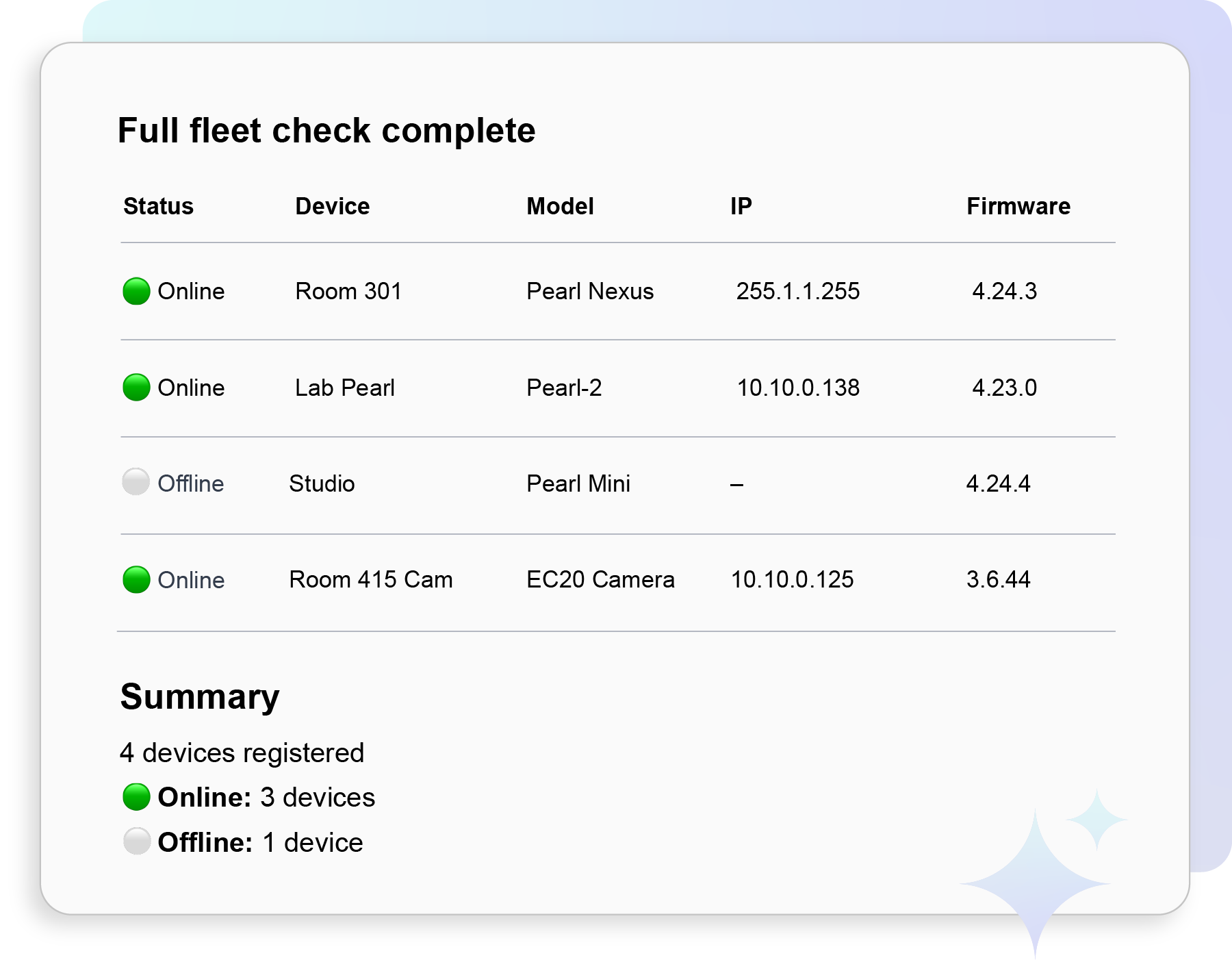
See your whole fleet at once
Pull device info and system status from Epiphan Edge for every device in your team into one table you can sort, share, or paste into a report.
Try this prompt:
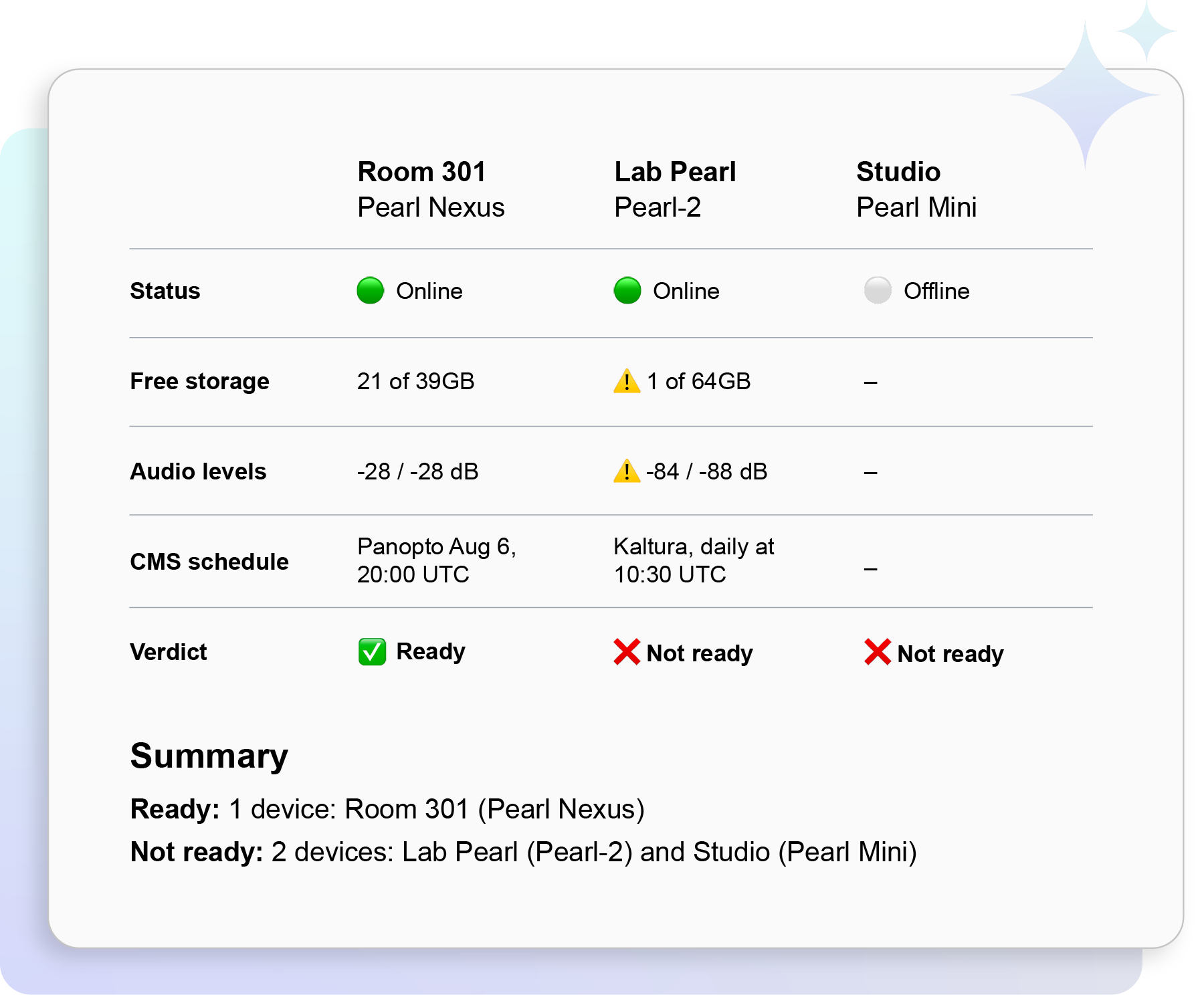
Catch problems before they cost a recording
Read health, storage, and recorder status across the fleet to flag anything off: a device that is offline, short on storage, or has warnings.
Try this prompt:
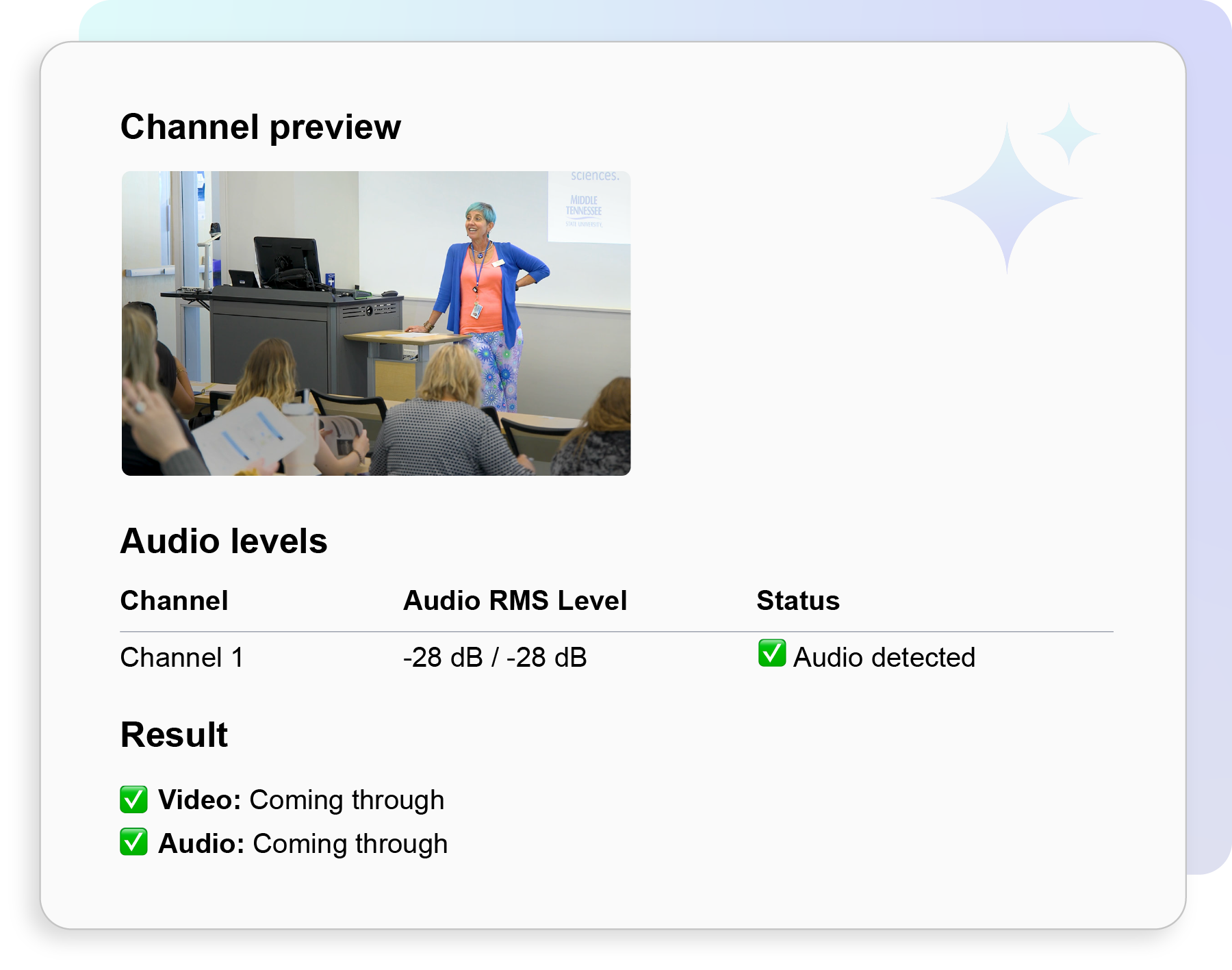
Confidence-check a room without walking to it
Grab a live frame and audio levels from a Pearl and check its sources so you know the camera feed and mic are present before an event starts.
Try this prompt:
You stay in control
- Claude and ChatGPT ask you to approve each change before it runs, and your assistant can only do what your role in Epiphan Edge allows
- You pick one Epiphan Edge team at sign-in, and your assistant sees only what your account can already see
- Reboots and firmware updates interrupt any recording or stream in progress, so run them between sessions
- Deleting a scheduled event is permanent
Works with the rest of your tools
Your assistant can use Epiphan MCP alongside the other connectors you already use, like Google Calendar, Outlook, Slack, or Gmail. One request can read your schedule and set up every Pearl to match.
Try this prompt:
Try your prompt
Ask about your Epiphan devices, or tell your assistant what to do:

Frequently Asked Questions
Claude and ChatGPT are supported, with step-by-step connect guides for each. Because Epiphan MCP follows the Model Context Protocol, other MCP-compatible clients can connect using the same server address, though Epiphan tests with Claude and ChatGPT. Microsoft Copilot and Grok aren’t currently supported.
Asking about your devices is free with any Epiphan Edge account. Write actions, such as starting a recording or updating firmware, need an Epiphan Edge Premium plan. You can try Edge Premium free for one month. The trial asks for a credit card at sign-up.
Yes, with an Epiphan Edge Premium plan. Your assistant can start and stop recordings, manage streams and scheduled events, apply presets, reboot devices, and update firmware. Claude and ChatGPT ask you to approve each change, and the assistant can only do what your role in Epiphan Edge allows.
Read tools, available with any Epiphan Edge account:
- Get channel audio levels
- Get channel image
- Get channel settings
- Get cms events for devices
- Get device info
- Get device sources
- Get devices in my team
- Get recorder status for devices
- Get storage status for devices
- Get system status for devices
Write actions, available with Epiphan Edge Premium: start, stop, pause, and resume recording; create, edit, and delete stream destinations, and start or stop streaming; create, edit, delete, extend, pause, and resume scheduled events in Epiphan CMS; apply team presets; reboot devices; and update firmware.
Pearl-2, Pearl Mini, Pearl Nano, and Pearl Nexus support every read and write action. Pause and resume recording need Pearl firmware 4.24.6 or later. EC20 PTZ cameras support most read features, plus reboot and firmware update. The assistant sees the same fleet you see in Edge, with the same permissions.
Access is granted through OAuth with your own Epiphan Edge login and scoped to one Edge team. The assistant can only see and do what your role in that team allows: if your role can’t start a recording, your assistant can’t either. Claude and ChatGPT ask you to approve each write action, and you can revoke the connection from Edge at any time. Epiphan MCP only grants access to Epiphan Edge, and nothing else on your network.
Agent-ready AV describes video infrastructure an AI agent can read and act on over an open protocol, instead of a proprietary integration. Epiphan MCP is the connection point: the server that lets Claude, ChatGPT, or any MCP client read and control a Pearl fleet. For the wider picture, including the scenarios agents can handle now that they can act as well as read, see agent-ready AV: what AI agents need from your video infrastructure.