Product news
Now available: Run your Pearl fleet from Claude or ChatGPT with Epiphan MCP
Webinar | November 12 | Epiphan MCP | Using AI assistants to run your Pearl fleet – Register now
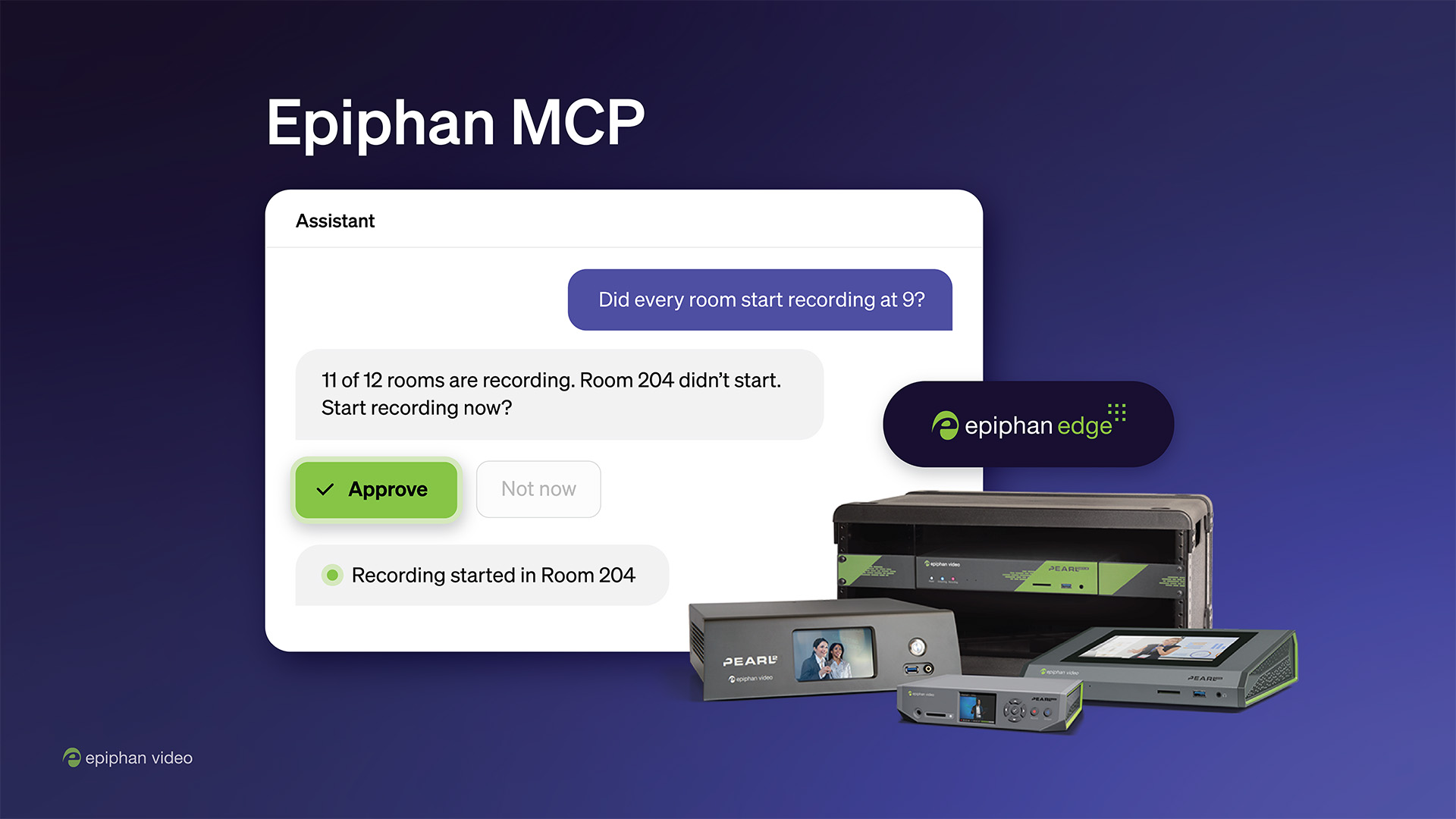
Starting today, you can manage your Pearl devices by talking to Claude or ChatGPT. Ask which rooms are recording, which devices are offline, or where storage is running low, and get an answer for your whole fleet in seconds. Then tell your assistant what to do about it: start a recording, launch a stream, extend an event, or update firmware. You approve every change before it runs.
Troubleshoot issues, set up events faster, check rooms for readiness, and perform batch actions, all using natural language and without leaving the room. The result is less time in dashboards and fewer walks across campus or the venue to check a room. Your Pearl fleet is now agent-ready.
Suppose you want to troubleshoot room 302-B using your AI assistant. Click through below and see what happens.
Epiphan MCP is a hosted server that connects AI assistants to Epiphan Edge. It’s built on the Model Context Protocol (MCP), the open standard that Claude, ChatGPT, and other assistants use to work with outside tools. Think of MCP as a common plug: once a product supports it, any compatible assistant can read from it and act on it in plain language, with no code or API work on your side.
That’s what we mean by agent-ready AV: equipment that an AI assistant can check and control directly through an open standard. Read more in our guide to agent-ready AV.
With any Epiphan Edge account, your assistant can read, for every device on your team:
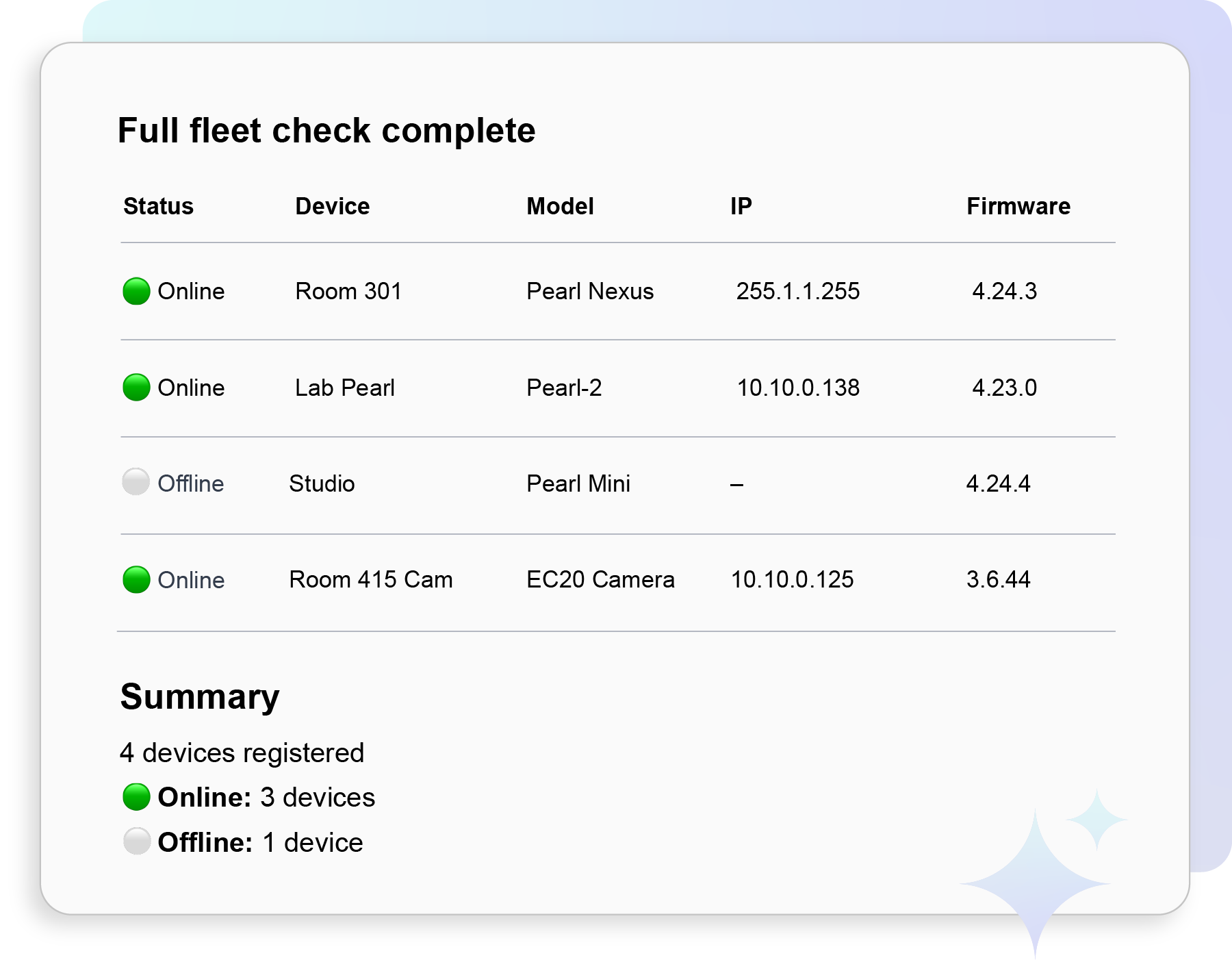
With Epiphan Edge Premium, it can also act (always with your permission):
See the full list in Epiphan MCP capabilities. Not on Premium yet? You can try Epiphan Edge Premium free for one month (credit card required).
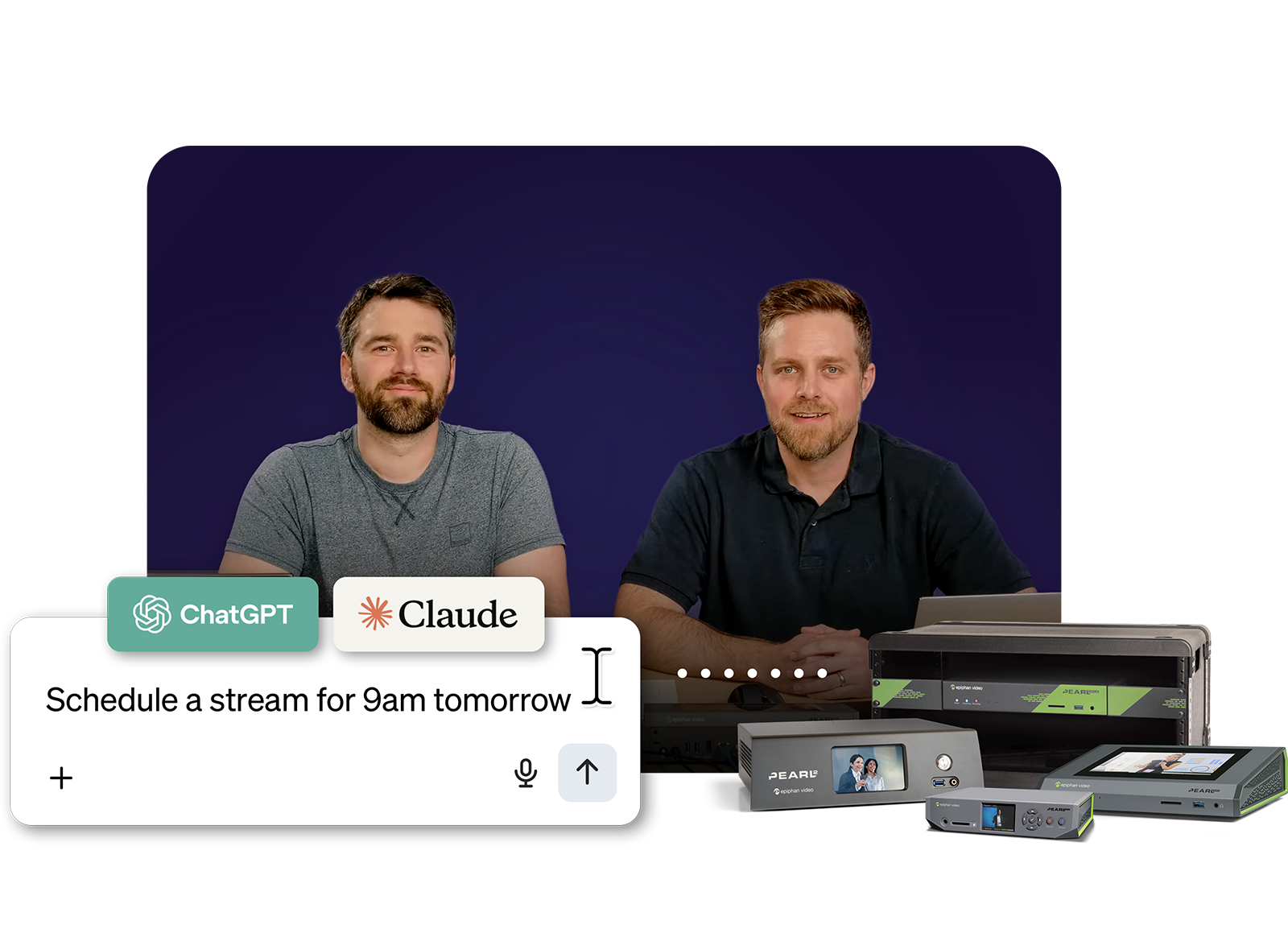
On November 12, learn how to troubleshoot AV issues, run checks, and set up your Pearl fleet through Claude and ChatGPT.
Check every room before the first session. “Check all my devices for readiness” gives you one list of anything offline, low on storage, or showing a warning, before anyone walks into a room.
Set up an event day from a spreadsheet. Upload your schedule with each room’s preset and session times, and ask your assistant to apply the presets and schedule every session in Epiphan CMS.
Report to leadership in minutes. Ask for a summary of your fleet’s status and share it as a table or a chart.
Epiphan MCP connects through OAuth using your own Edge login. You pick one team at sign-in, and your assistant can only see and do what your role in that team allows. If your role can’t start a recording, your assistant can’t either. Claude and ChatGPT ask you to approve each write action before it runs, and you can revoke the connection from Edge at any time.
Reboots and firmware updates interrupt any recording or stream in progress, so run them between sessions. Deleting a scheduled event is permanent.
Pearl-2, Pearl Mini, Pearl Nano, and Pearl Nexus support every read and write action. Pause and resume recording need Pearl firmware 4.24.6 or later. EC20 supports most read features, plus reboot and firmware update. Epiphan tests Epiphan MCP with Claude and ChatGPT (which assistants are supported).
Read access is free with any Epiphan Edge account, and write access is included with Epiphan Edge Premium, which you can try free for one month. If you’ve already connected Epiphan MCP, refresh your assistant’s tools list to pick up the new actions.
Example prompts, setup instructions, and security details are on the Epiphan MCP page.