Product news
EC20 update: WebUI tally control, Crestron module, and live audio monitoring
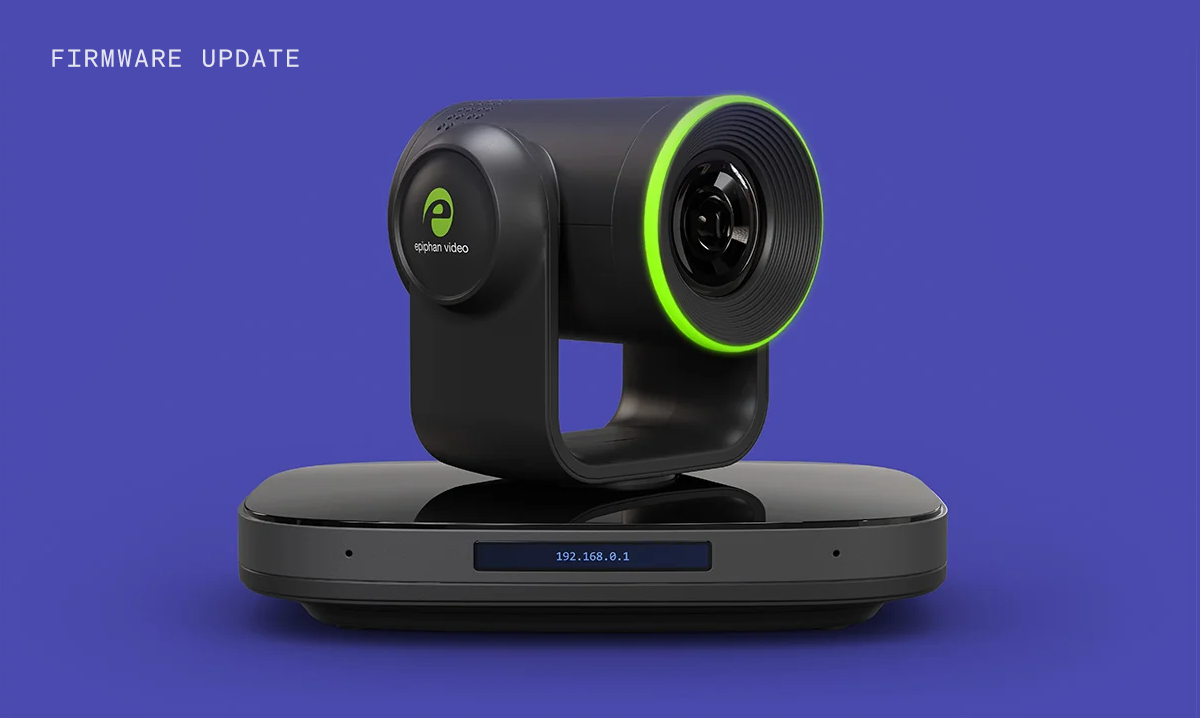
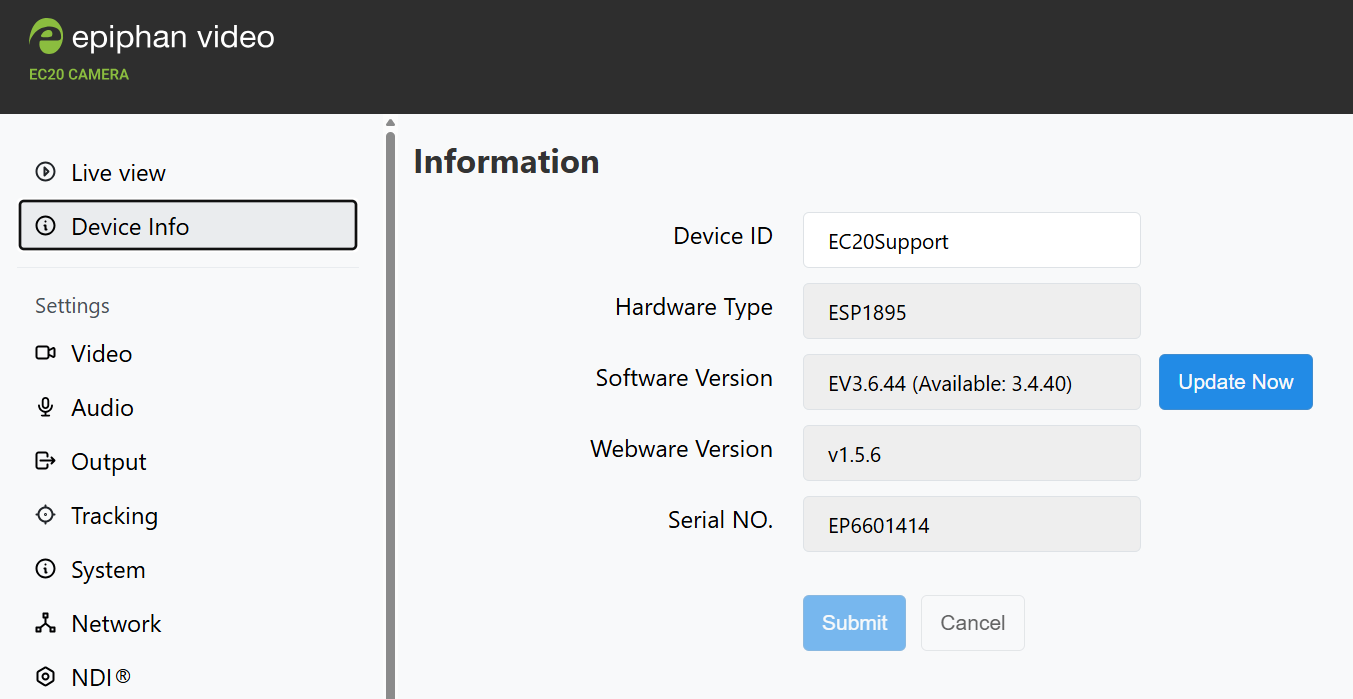
EC20 firmware 3.6.44 is available now. This release moves more control into the web interface, makes camera presets easier to manage, and gives AV teams a faster way to confirm audio is working before a session starts.
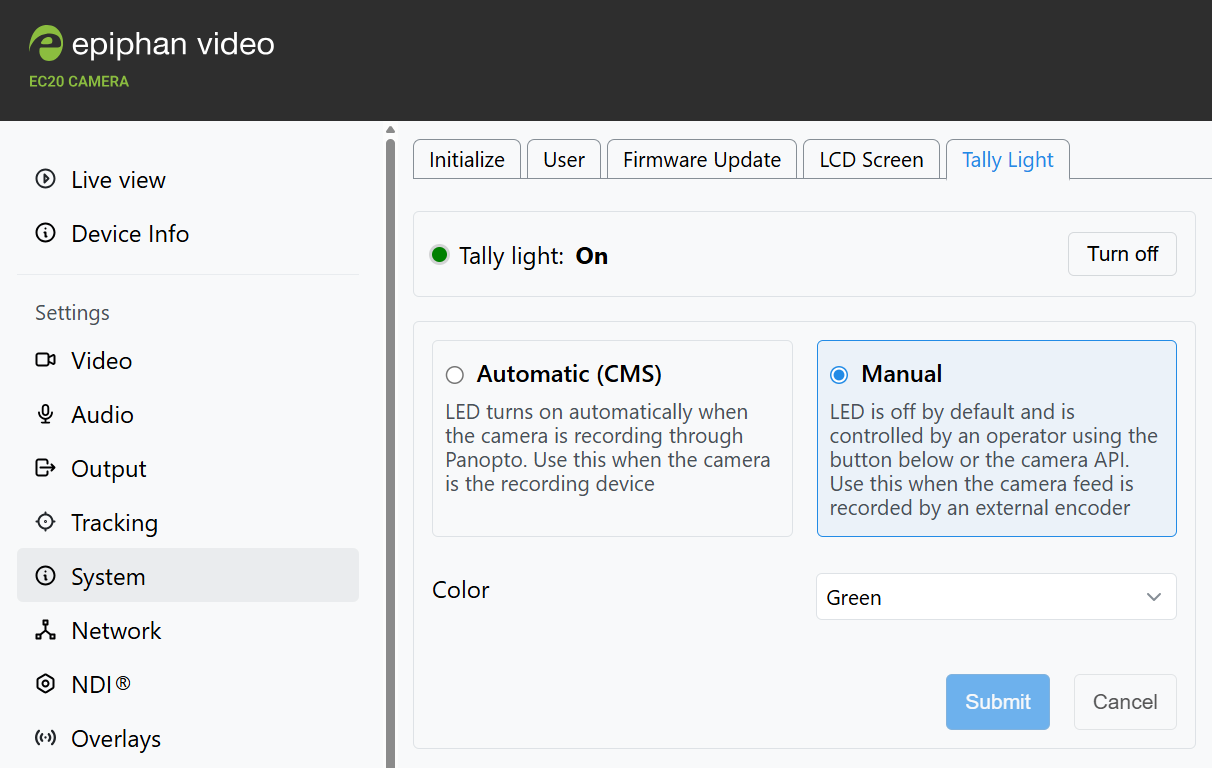
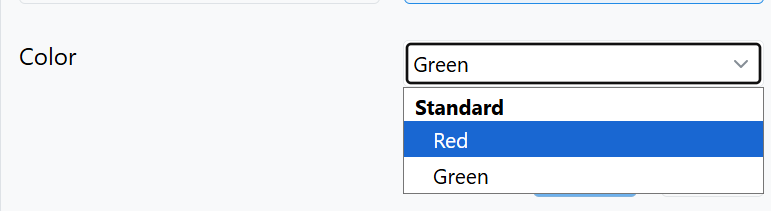
Turn the EC20’s built-in tally light on or off and choose its color directly in the web interface, without a third-party controller. Useful for one-button studios and rooms where nobody is running a control system.
A new Epiphan certified Crestron control module is available for the EC20, bringing camera control into Crestron control systems. It joins the Q-SYS plugin, so both major control platforms are now covered.
A redesigned preset interface makes it easier to create and manage presets, see all saved presets in one place, and preview each one before you recall it. Setting up a room takes fewer trips back and forth.
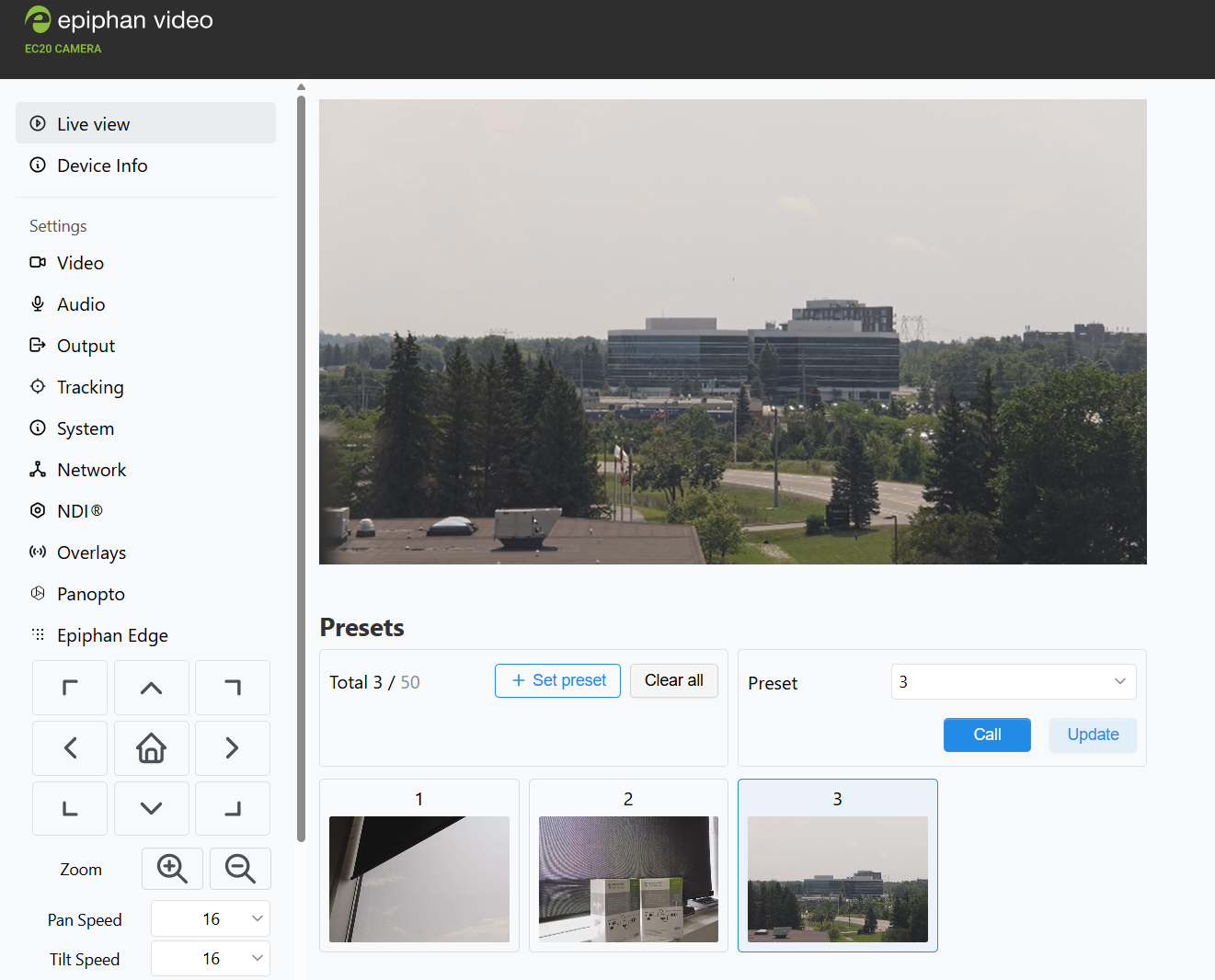
Any camera preset can now be selected as the Auto Tracking start position, so tracking begins from the framing that suits the room rather than a fixed default.
Panopto administrators can monitor live audio captured by the EC20 during recording and streaming, confirming audio is coming through without leaving Panopto.
When registered with Epiphan Edge, the EC20 reports live audio activity levels. Verifying an audio input across a fleet of cameras no longer means a test recording for each room.
Internet-connected EC20 devices will automatically notify users when new firmware is available and provide a one-click upgrade option via the web interface or Epiphan Edge.