User Guide
Hardware and LED
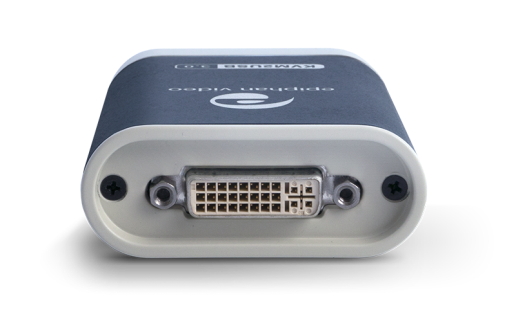
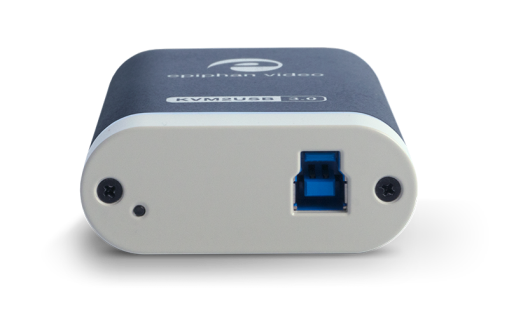
Your KVM2USB 3.0 has an input, an output and an indicator light. It also comes with a special KVM cable.
KVM2USB 3.0 top and bottom
Top / Input side of KVM2USB 3.0with DVI-I port for connecting the KVM cable |
Bottom / indicator light side of KVM2USB 3.0with indicator light and USB port |
|
|
KVM Cable
The KVM cable has two ends. The male end that connects to your KVM2USB 3.0, and the female/usb end that connects to your target computer.
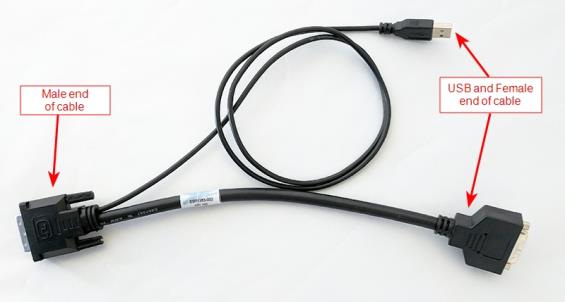
Close up of male end of KVM cable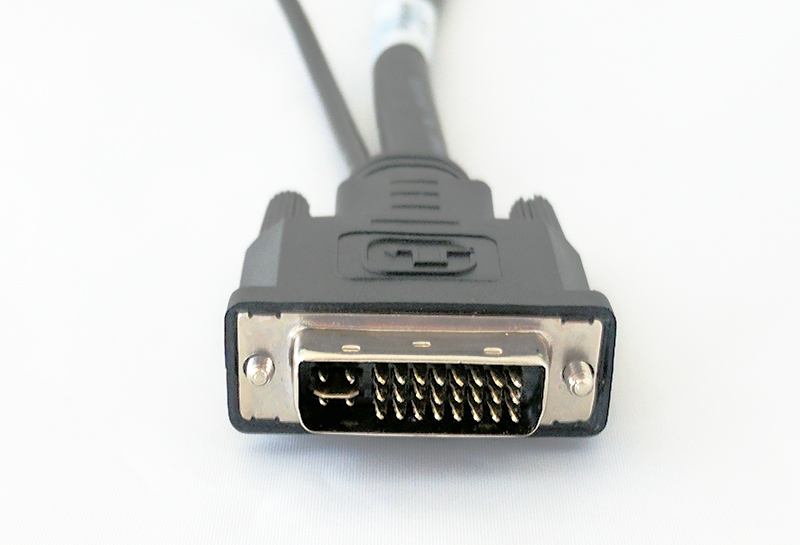
|
Close up of female / USB end of KVM cable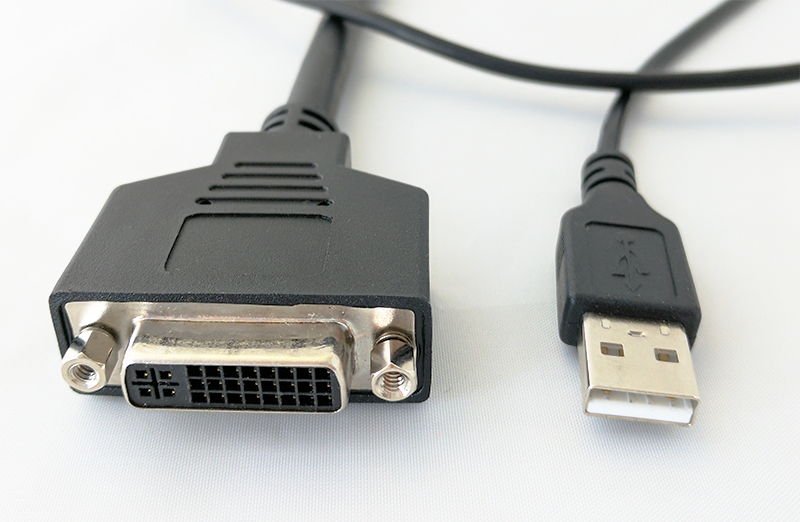
|
Indicator LED details
Your KVM2USB 3.0 has an LED indicator on the bottom side. The color and action of the indicator LED indicate the current activity of the device.
| LED color | KVM2USB 3.0 status |
| Solid red |
KVM2USB 3.0 is initializing |
| Blinking red | Adjustment to VGA input in progress or Firmware update in progress |
| Solid blue | USB 3.0 connection active |
| Blinking blue | KVM App successfully connected to KVM2USB 3.0 |
