View device details and system information
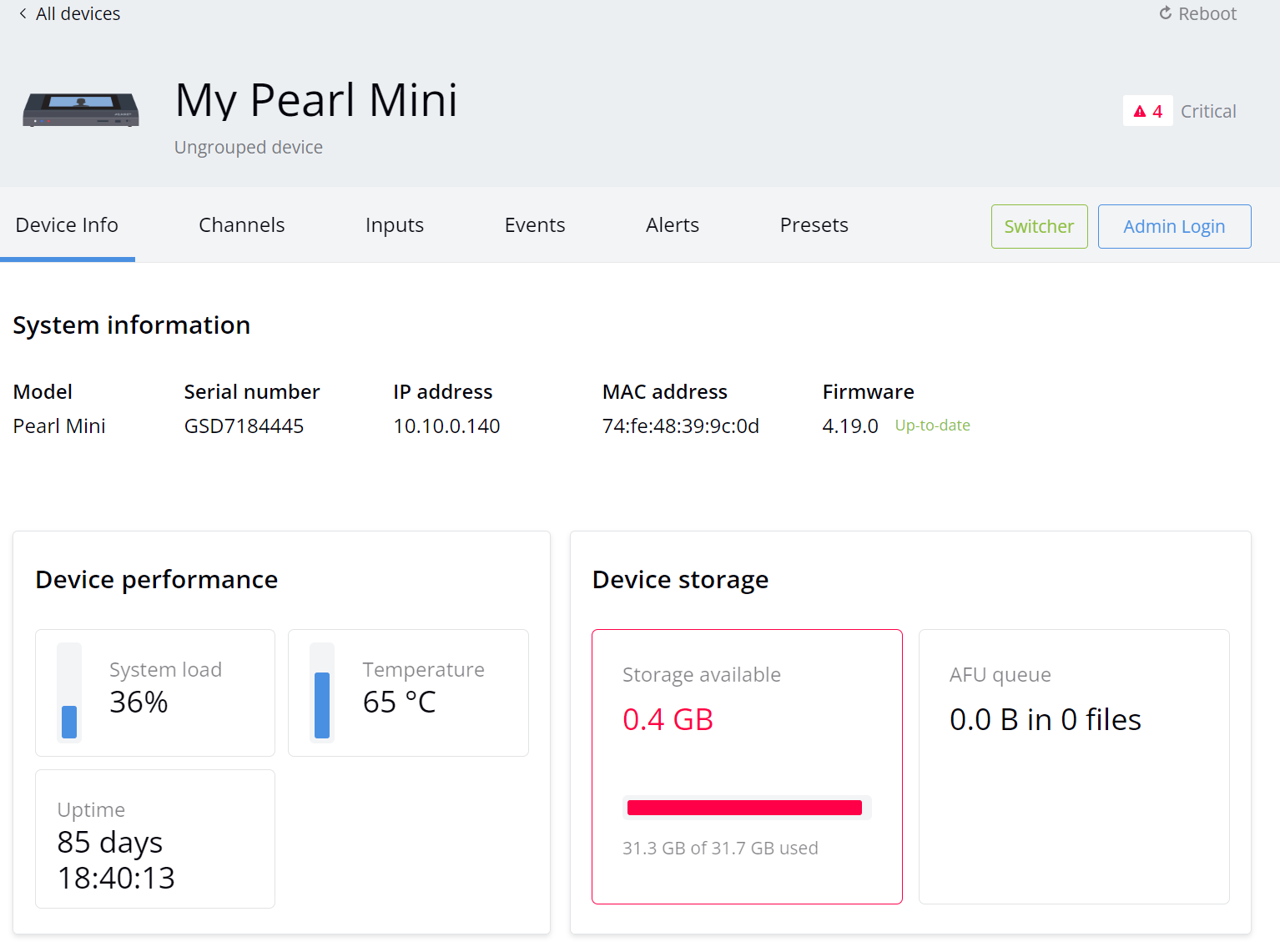
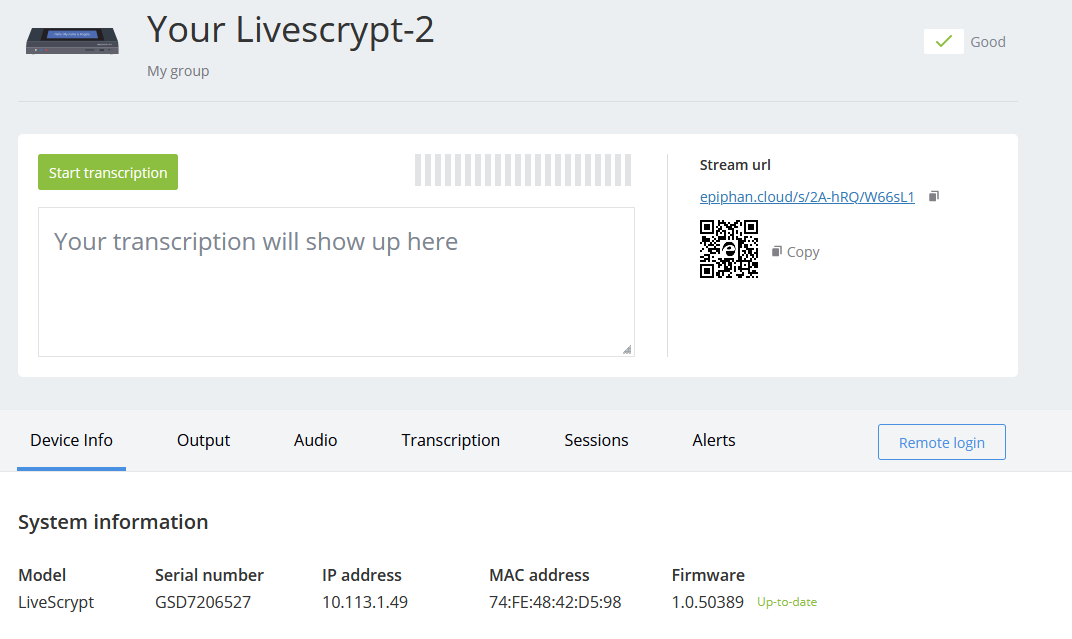
From the Devices Dashboard, you can access the Device Details page for your devices. Find system information such as the IP address and device serial number under the Device Info tab.
| Device Details page (Pearl) | Settings page (LiveScrypt) |
|---|---|
|
|
View system information using Epiphan Edge
View device information on the Device Details page
- From the Devices Dashboard, click the device name that appears in the list or click the three dots at the end of the device's row and select Settings. The Device Details page opens.
- Select the Device Info tab.
-
Click another tab to view different information about your device.

 ™ and ©