Control Tracking using the Remote Control
It's possible to enable and disable automatic tracking using the included remote control. The default mode is Presenter Tracking, you can check the current settings in the web interface.
Tracking a single person:
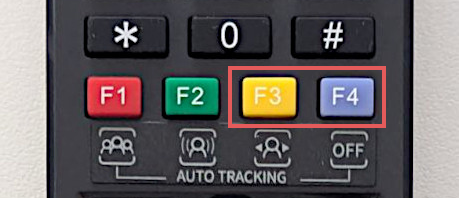
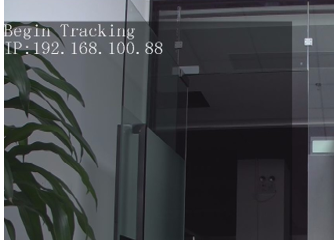
Press the F3 key on the remote control to start tracking, and the camera will lock on the target for direct tracking. With the tracking hint enabled you can see when tracking has successfully started, see example below. Press the F4 key to exit tracking mode.
Tracking Hint:
Tracking With Multiple People
- If there are multiple people in the scene:
- First press the F3 key on the remote control to start tracking
- Press the left or right key on the remote control to select the target to track, and then press the HOME key to confirm.
- The camera will start tracking.
- Press F4 key to exit tracking mode.